Should You Choose Alison’s SolidWorks 3D Editor Certificate for Your Engineering Skills?

If you’re considering a career in engineering design or want to add practical 3D modelling skills to your profile, learning SolidWorks is a logical step. But with so many online courses available, is Alison’s “SolidWorks: Introduction to the 3D Editor” the right starting point for you? This article explains who benefits most from this certificate, what the course actually covers, and how it fits into your wider learning or career plan.
Below, you’ll find a direct verdict, a breakdown of the course content, a primer on key SolidWorks concepts, and practical details on cost and certification—plus what to do next if this course isn’t the right fit.

Verdict: Who Gets the Most Value from This SolidWorks Course?
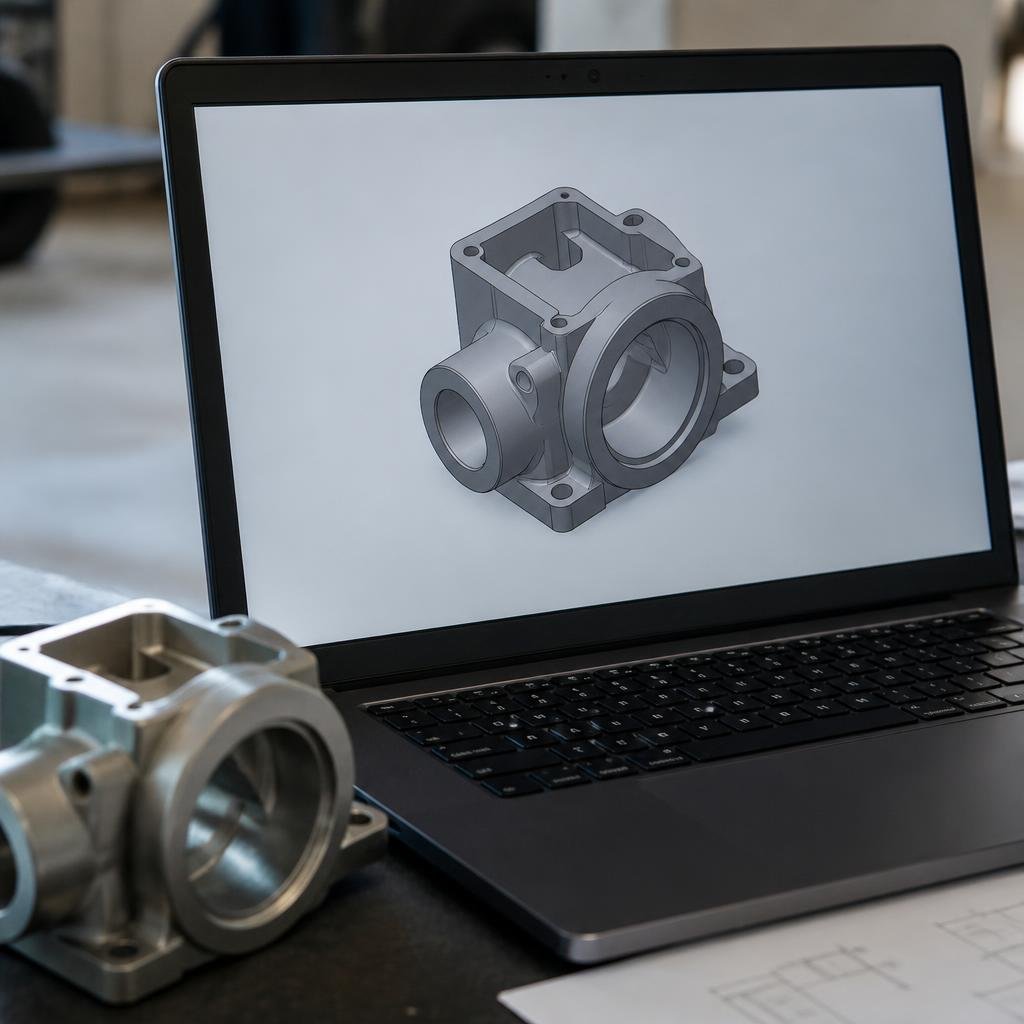
Best for: Beginners in engineering, students, or professionals from related fields who want a practical, hands-on introduction to 3D modelling in SolidWorks—especially those who prefer short, focused learning.
Not ideal for: Advanced users, those seeking deep mastery of SolidWorks features, or anyone needing a qualification officially recognised by employers or professional bodies.
Summary: Alison’s SolidWorks certificate is a fast, accessible way to gain foundational 3D design skills, but it is not a substitute for formal training or the official SolidWorks certification.
What You’ll Actually Learn: Course Modules and Topics
Alison’s course is structured around eight modules, each focusing on a key aspect of SolidWorks:
1. Home-Screen Navigation: How to find your way around the SolidWorks interface and customise your workspace.
2. Sketch Skills: Creating and defining 2D sketches, setting dimensions, and establishing geometric relationships between lines, circles, and arcs.
3. Sketch Practice and Examples: Building practical sketches using centrelines, mirroring, and pattern tools, with examples like flange creation.
4. Extrusions: Turning 2D sketches into 3D solids using the extrude function.
5. Revolving Surfaces: Using revolve and revolve cut tools to create curved or circular features, plus the Thin feature for open sketches.
6. Sweeping: Applying the sweep tool to create solids or cuts along complex paths.
7. Adding Features: Refining models with features like fillets and chamfers, and exploring patterns in depth.
8. Course Assessment: A final test to check your understanding of the covered skills.
The course is video-based and designed for quick completion—most learners finish in 3-4 hours.
Sketching, Extruding, and Revolving: Key SolidWorks Concepts Explained
SolidWorks is a leading Computer-Aided Design (CAD) tool, widely used for creating precise 2D sketches and turning them into 3D models. Here’s how the main concepts fit together in practice:
- Sketching is the foundation: you start by drawing basic shapes (lines, circles, arcs) on a plane. These sketches must be fully defined, meaning all dimensions and relationships are set, to avoid errors in 3D modelling.
- Extrusion takes your 2D sketch and gives it depth, producing a solid part. This is the most common way to create basic 3D objects.
- Revolve allows you to spin a sketch around an axis to create round or curved parts—think of making a wheel or a bottle.
- Sweep is used for more complex shapes, where a profile follows a specific path (like piping or handles).
- Features like fillets (rounded edges) and chamfers (angled cuts) are added to refine and finish your model.
Understanding these tools lets you move from a simple drawing to a detailed, manufacturable part—skills valued in modern engineering and product design.
Pros and Cons: The Real Benefits and Gaps of This Course
Pros:
- Quick, practical introduction: Covers the essential tools and workflows in SolidWorks, ideal for beginners.
- Free to study: No cost to access the learning materials, so you can try it risk-free.
- Flexible, self-paced: Study at your own speed, with short modules that fit into a busy schedule.
- Mobile access: Download lessons via the Alison app for offline study.
Cons:
- Certificate is paid: You need to purchase the certificate if you want proof of completion.
- Not a formal qualification: The certificate is not officially recognised by employers or professional bodies.
- Limited depth: The course focuses on basic tools; it does not cover advanced SolidWorks functions or complex assemblies.
- No direct support: There’s no instructor feedback or live help—learning is entirely self-directed.
When to Skip This Course—and What to Do Instead
This course is not for you if:
- You already have experience with SolidWorks or another CAD tool and want advanced training.
- You need a qualification that is officially recognised for employment or further study—this course does not provide that.
- You are preparing for the official SolidWorks Certification Exam (CSWA or higher)—this course is not endorsed by SolidWorks and does not cover all exam topics.
Alternative paths:
- If you need advanced skills, look for in-depth SolidWorks courses that include complex assemblies, simulation, or certification prep.
- For an official credential, consider preparing for and taking the Certified SolidWorks Associate (CSWA) exam directly through Dassault Systèmes or an authorised provider.
Key Details: Cost, Certificate, and How to Enrol
- Study cost: Free to access all course content.
- Certificate: Optional and paid—issued by Alison after passing the assessment. The certificate is for personal development and is not a professional qualification.
- Enrolment: Open to anyone—no prior experience required. You can study on desktop or mobile, including offline with the Alison app.
Go to the official course page: SolidWorks: An introduction to the 3D editor – Alison
Note: The certificate issued by Alison is not an official professional qualification and does not substitute for industry-recognised certification.
SolidWorks Skills in the Engineering Job Market
SolidWorks and 3D design skills are in high demand across engineering and manufacturing sectors. According to South Africa’s Department of Higher Education and Training, mechanical design and SolidWorks skills are valued in engineering-related roles. In Kenya, the Kenya Labour Market Information System reported 742 engineering professional vacancies in Q1 2024, with SolidWorks cited as a valuable skill for manufacturing and design sectors. For Nigeria, Paylab lists a salary range for SolidWorks designers from NGN 148,387 to NGN 627,230 per month (2024).
While this Alison course builds foundational skills, check with local employers or authorities if you need a recognised credential for specific roles.
Next Steps: Course Progression or Certification?
After finishing Alison’s SolidWorks introduction, you have two main options:
| Next Step | When to Choose This Path |
|---|---|
| Take a more advanced SolidWorks course (e.g., assemblies, simulation, industry projects) | If you want deeper skills for complex design work or to prepare for certification. |
| Prepare for the official SolidWorks Certification (CSWA) | If you need a credential recognised by employers or plan to work as a certified SolidWorks professional. |
If you’re unsure, start with a more advanced course to build confidence before attempting the official certification exam.
FAQ: SolidWorks Certificate Course
Do I need engineering experience to start this course?
No prior experience is required—this course is designed for beginners.
Can I use the Alison certificate to apply for engineering jobs?
The Alison certificate is for personal development and is not an official professional qualification. Check with employers in your region for their requirements.
Does this course prepare me for the official SolidWorks certification exam?
It covers foundational skills but does not fully prepare you for the CSWA or higher certifications.
Is the course content accessible offline?
Yes, you can download lessons via the Alison app for offline study.
OFFICIAL SOURCES
- Alison, SolidWorks: An introduction to the 3D editor, https://alison.com/course/solidworks-an-introduction-to-the-3d-editor
- DHET, Research Articles: High demand occupation reports, https://www.dhet.gov.za/Research%20Bulletin%207/ResearchArticles3.html
- Kenya Labour Market Information System, Q1 Job Trends and Opportunities Outlook, https://labourmarket.go.ke/media/resources/Q1_JOB_TRENDS_AND_OPPORTUNITIES_OUTLOOK_IN_KENYA_2_ev2fCHx.pdf
- Paylab, Designer (SolidWorks) salary in Nigeria, https://www.paylab.com/ng/salaryinfo/arts-culture/designer
This website is an independent guide. We are not affiliated with, or endorsed by, Alison, nor by any certification body mentioned in this article. Course content, prices, entry requirements and application dates are set by the provider and can change at any time. Always confirm the current details on the official course page before enrolling.