6 Skills You Build in NITDA’s Information & Data Literacy Course
If you’ve ever struggled to judge if a news article is real, find a document on your phone, or save your work so you don’t lose it, you’re not alone. In Nigeria, digital skills are now essential for work, study, and daily life—whether you’re in Lagos, Port Harcourt, or a smaller town. The NITDA Digital Literacy (Information & Data Literacy) course, offered through the DL4ALL platform, is designed to help you master the basics of finding, evaluating, and organising information online and across devices.
This article breaks down exactly what you’ll be able to do after each part of the course. You’ll see how these skills apply in real situations, what the course does and doesn’t cover, and who will get the most value from enrolling. We’ll also explain how to access the course, how the certificate works, and what to check before you start.
Telling Reliable Information from the Unreliable

One of the most practical skills you’ll gain is how to judge if information you find online—or receive in a message—is trustworthy. The course walks you through steps to check if a website, article, or social media post is likely to be accurate, so you can avoid falling for scams or spreading false news.
How Search Engines and Browsers Work in Everyday Life
Understanding the difference between a search engine (like Google) and a web browser (like Chrome or Firefox) is key to finding what you need online. The course explains how each tool works, when to use them, and how to get better results from your searches.
Organising, Storing, and Accessing Your Files
Digital clutter can make it hard to find important documents or photos. This course shows you how to use folders and files on your device or in the cloud, so you can keep your information organised and safe. You’ll also learn how to access your content from different devices—whether you’re on your phone in Ibadan or using a shared computer at work in Enugu.
Primer: How Digital Information Is Found and Managed
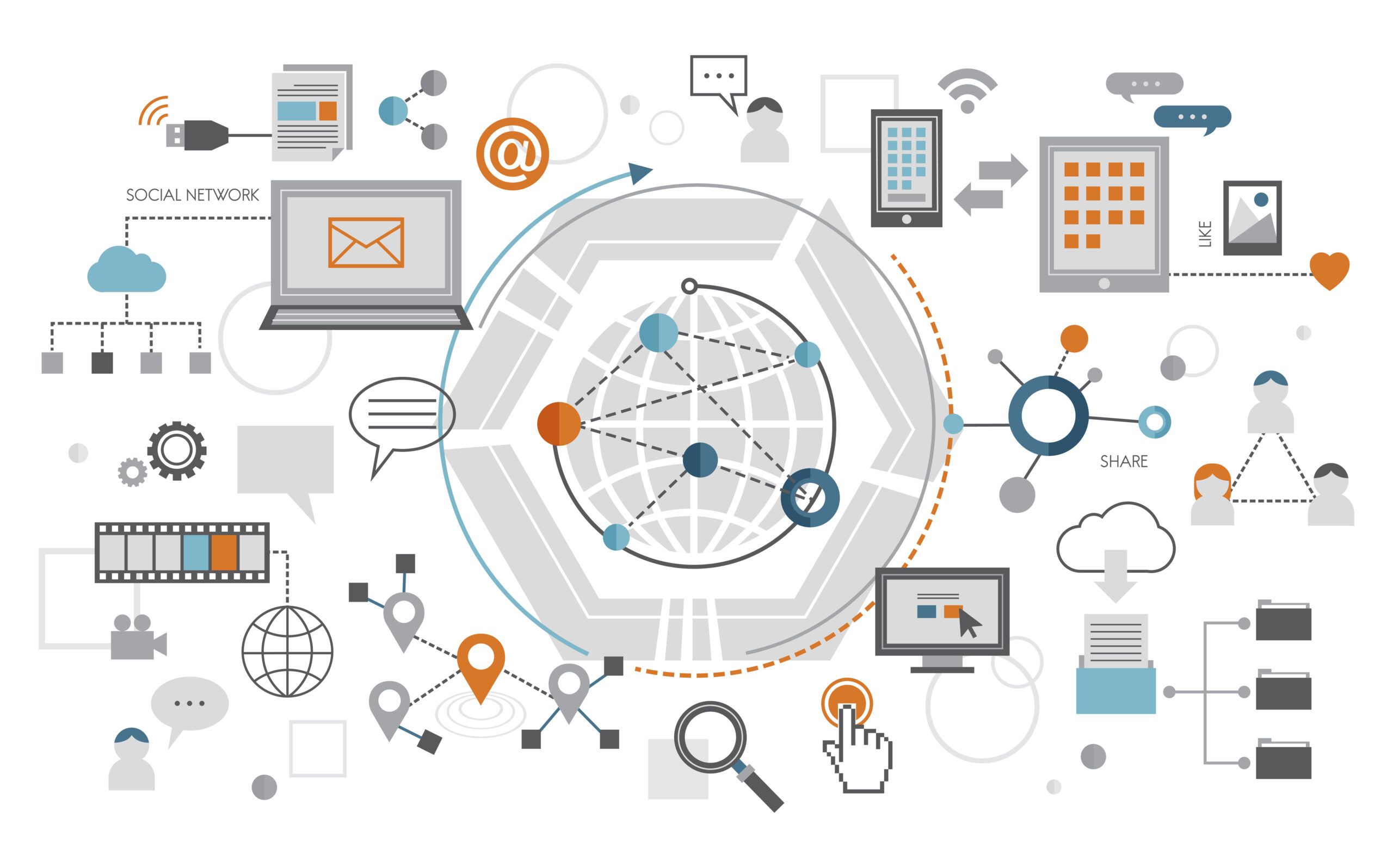
Digital information is everywhere, but knowing how to handle it is what sets you apart. Search engines help you locate information across the web, while browsers are the tools you use to access that content. Once you find what you need, storing it safely—either on your own device or in the cloud—means you can retrieve it anytime, from anywhere. Organising files into folders (on your phone, laptop, or cloud storage) lets you keep personal and work documents separate, avoid losing important materials, and share files easily. Being able to judge if information is reliable protects you from scams and misinformation. These skills are the foundation for working, studying, or even running a small business in today’s digital Nigeria.
For example, imagine a small business owner in Port Harcourt who needs to prepare a tax return. She uses a search engine to find official government forms, checks that the website is legitimate, downloads the files, and saves them in a clearly labelled folder on her laptop. Later, she accesses the same documents from her phone while meeting her accountant, thanks to cloud storage.
What Each Module Enables You to Do
The course page lists one section with 10 video lessons and an end-of-course assessment. Several lessons share the same title, so they group into six skills:
1. Evaluate Information for Reliability
Learn to spot signs that information or content may not be trustworthy, and apply simple checks before sharing or using it.
2. Use Search Engines Effectively
Practise using search engines to find accurate and relevant information quickly, using keywords and filters.
3. Access Content from Different Devices
Understand how to view and use your files from a phone, tablet, or computer—so you’re not stuck if you change devices.
4. Store Information in the Cloud
Discover what cloud storage is, and how saving files online can keep your work safe and accessible wherever you are.
5. Organise Files and Folders
Build habits for naming, sorting, and storing files in folders—both on your device and in the cloud—so you can always find what you need.
6. Search for News Using a Browser
Learn to use browsers to find up-to-date news and check multiple sources for the latest information.
End of Course Assessment
The course closes with a final assessment covering the lessons above.
What You Won’t Learn in This Course
While the course covers the essentials of information and data literacy, there are some gaps to be aware of:
- It does not teach advanced data analysis, spreadsheet skills, or programming.
- You won’t learn about privacy settings, cybersecurity beyond basic reliability checks, or managing large datasets.
- The course focuses on general digital skills, not specialised software or technical troubleshooting.
If you want to go deeper into topics like data security or advanced cloud computing, you’ll need further study or hands-on experience.
Access, Certificate, and Practical Details
You can study this course at no cost on the NITDA DL4ALL platform. The course page lists a "Certificate of completion". This certificate is not an official professional qualification, but it can be a useful addition to your CV or portfolio.
To check eligibility: The course page does not list eligibility rules; NITDA is run by the government of Nigeria, so check the registration form for any requirements.
If you want to see the modules or start learning, visit the official page: Go to the official course page.
Who Will Benefit—and Who Should Consider Other Options
This course is ideal for:
- Students, jobseekers, and professionals in Nigeria who want to strengthen their basic digital skills.
- Small business owners needing to organise documents and find reliable information online.
- Anyone new to cloud storage or unsure how to keep their files safe and accessible.
It’s less useful if:
- You already have strong digital skills and want advanced training in data analysis or cybersecurity.
- You need hands-on practice with specific software tools.
What to Do After Finishing the Course
After completing this course, you’ll be able to manage and judge information with more confidence—whether for work, study, or daily life. If you want to build on these skills, look for other free NITDA courses in digital literacy, or practise by organising your own files and helping others do the same. The next step for advanced users is to seek out more specialised courses in data management or cybersecurity.
OFFICIAL SOURCES
- NITDA (DL4ALL), Digital Literacy (Information & Data Literacy): https://dl4all.nitda.gov.ng/courses/information-data-literacy/
This website is an independent guide. We are not affiliated with, or endorsed by, NITDA, nor by any certification body mentioned in this article. Course content, prices, entry requirements and application dates are set by the provider and can change at any time. Always confirm the current details on the official course page before enrolling.