Study Plan for CompTIA A+ 1000 – Part 1 on Alison
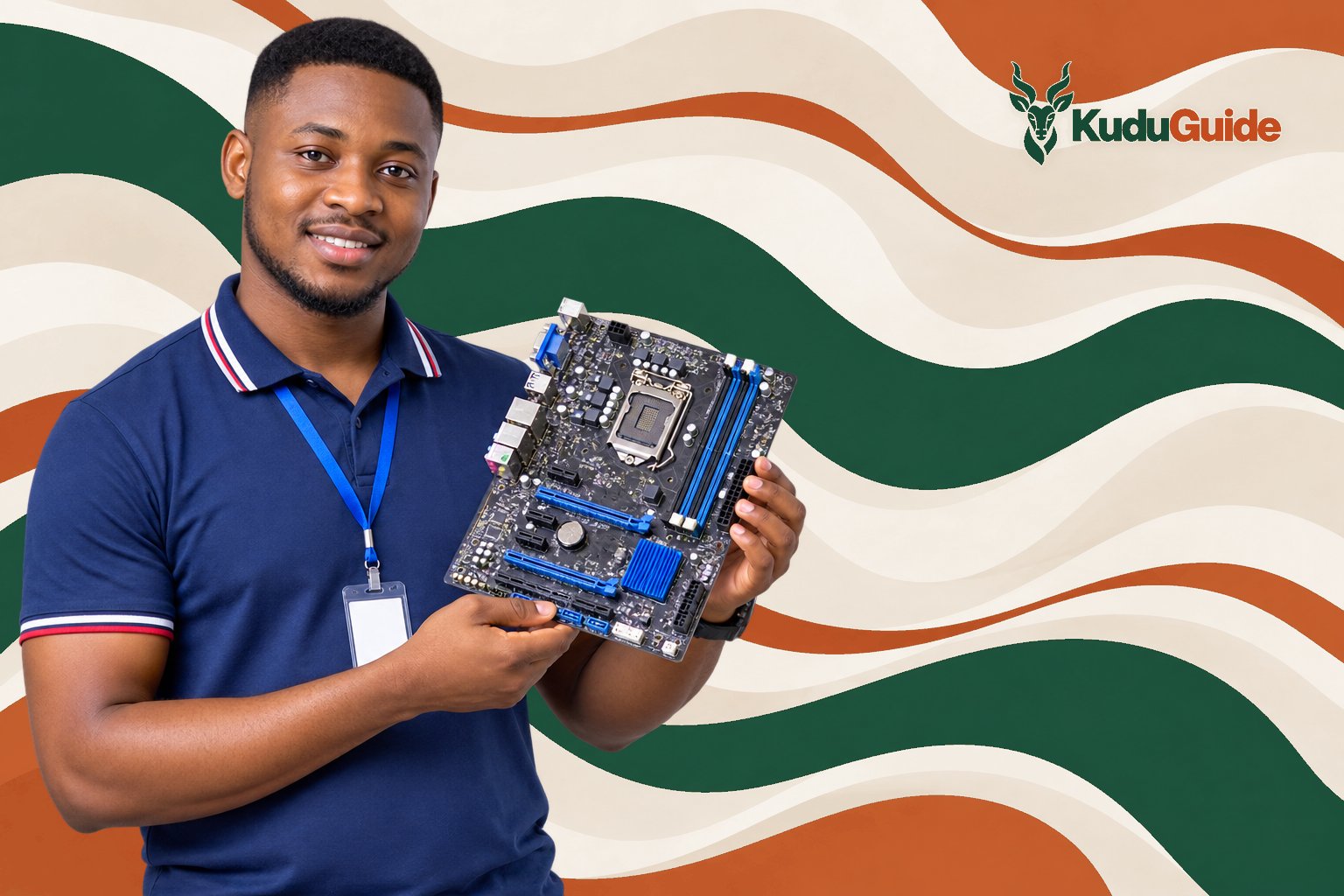
Starting a career in IT often means building a solid foundation in computer hardware and troubleshooting. For many, the CompTIA A+ is the first step, but finding time to study can be a challenge—especially if you already work or have family commitments. Alison’s “CompTIA A+ 1000 – Part 1” course is designed for flexible, self-paced learning, making it possible to fit IT study into a busy schedule.
This article explains how to approach the Alison CompTIA A+ 1000 – Part 1 course if you have limited time each day or can only study on weekends. You’ll find a realistic timeline, what you need to know before starting, a clear explanation of the main topics, and a week-by-week plan for two different study profiles. We also clarify what you get at the end and what to do next if you want to continue your IT journey.
How Long Will It Take to Complete?
If you dedicate about 1 hour per day, you can finish the course in roughly 1 to 2 weeks. For those who can only study on weekends, expect to complete it in about 3 to 4 weekends, depending on your pace and how much time you spend per session.
What You Should Know Before Starting
- No previous IT experience is required. This course is suitable for absolute beginners.
- Basic computer access is needed. You’ll need a device to watch the video lessons and access course material.
- English or Spanish proficiency. The course is available in both languages, but you should be comfortable reading and listening in your chosen language.
- Certification coverage: The course follows the CompTIA A+ 1000 series (220-1001 and 220-1002) exam objectives, which have been retired. The current exam series is 220-1201 and 220-1202. This means the course is best used for foundational knowledge, not for direct exam preparation.
Key Hardware Concepts: Memory, Storage, and Power
Understanding how computers work starts with a few core components:
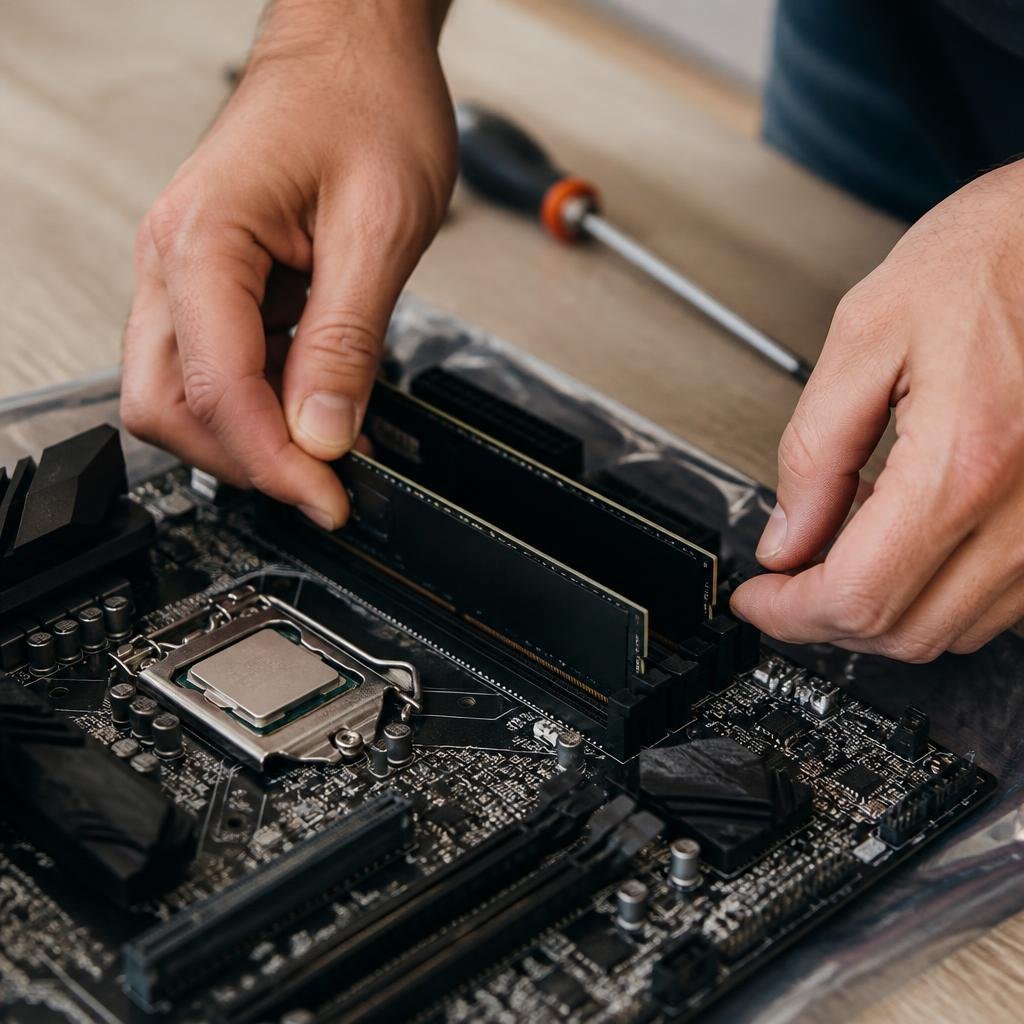
- Memory (RAM vs. Storage): RAM (Random Access Memory) is where your computer temporarily stores information it’s actively using—think of it as your short-term memory. Storage devices (like hard drives or SSDs) hold data permanently, even when the computer is off.
- Power Supplies and Voltage: Every computer needs the right power supply to convert electricity from the wall into usable energy for its components. Knowing how to identify different types of power supplies and voltages helps prevent hardware damage.
- Input and Output Devices: Input devices (like keyboards and mice) let you interact with the computer, while output devices (like monitors and printers) display or produce results.
- Mobile vs. Laptop Maintenance: Mobile devices and laptops share some components, but their maintenance and repair can differ due to size, battery types, and portability.
- Hard Drives and Storage Devices: There are several types of storage devices, including HDDs (Hard Disk Drives), SSDs (Solid State Drives), and external drives. Each has its own speed, durability, and typical use cases.
These basics form the backbone of IT support roles and are essential for troubleshooting and maintaining computers and related devices.
Study Plan: Daily vs. Weekend Learners
Here’s a suggested week-by-week plan for two types of learners:
| Week | Daily Learner (1 hour/day) | Weekend Learner (3 hours/weekend) |
|---|---|---|
| 1 | – Introduction to IT soft skills | – Introduction to IT soft skills |
| – Safety for you and computer components | – Safety for you and computer components | |
| – System components | – System components | |
| 2 | – Motherboards, hard drives, storage | – Motherboards, hard drives, storage |
| – Power supplies and voltage | – Power supplies and voltage | |
| – Input and output devices | – Input and output devices | |
| 3 | – Review and practice quizzes | – Review and practice quizzes |
| – Prepare for optional certificate | – Prepare for optional certificate |
Comparison:
- Daily learners progress steadily and can finish in about 2 weeks, keeping the material fresh.
- Weekend learners cover more in each session but may need to review previous topics to refresh their memory. Completion may take 3 to 4 weekends.
What You Get: Certificate, Cost, and Access

- Free to study: All course materials are available at no cost.
- Paid certificate: If you want a certificate of completion, you can purchase it after finishing the course.
- Access: Study online or download the Alison app for offline access.
- Not an official professional qualification: The Alison certificate is not a formal professional certification and does not replace the official CompTIA A+ credential.
Go to the official course page: https://alison.com/course/comptia-a-1000-part-1
What’s Next After This Course?
After completing this course, consider studying materials for the current CompTIA A+ 220-1201 and 220-1202 exams. Look for updated courses or resources that specifically cover the latest exam objectives. Practising hands-on troubleshooting, building your own PC, or volunteering for basic IT support tasks can also help reinforce your skills.
Who Should Take This Course and What Comes Next?
This course is ideal for anyone new to IT who wants to understand computer hardware and basic troubleshooting. It’s especially useful if you’re exploring a career in technical support or want to build foundational knowledge before moving on to more advanced certifications. After finishing, your next step should be to seek out up-to-date CompTIA A+ materials or practical experience in IT environments.
FAQ
Is this course enough to pass the current CompTIA A+ exam?
No. The course covers the retired 1000 series exam objectives. To prepare for the current exam, study materials for the 220-1201 and 220-1202 series.
Can I get a job with just this Alison course?
This course builds your foundational knowledge, but most employers require the official CompTIA A+ certification, which involves passing the current exams.
Do I need special equipment to complete the course?
No special equipment is required. A computer or smartphone with internet access is enough to follow the lessons.
Is the Alison certificate recognised by employers?
The Alison certificate is a record of completion and not an official professional qualification. Recognition varies by employer; check with those in your region.
OFFICIAL SOURCES
- Alison, CompTIA A+ 1000 – Part 1, https://alison.com/course/comptia-a-1000-part-1
- CompTIA, CompTIA A+ Certification, https://www.comptia.org/certifications/a
This website is an independent guide. We are not affiliated with, or endorsed by, Alison, nor by any certification body mentioned in this article. Course content, prices, entry requirements and application dates are set by the provider and can change at any time. Always confirm the current details on the official course page before enrolling.