
Security+ 701 on Coursera: Realistic Study Plan and What to Expect

If you’re aiming for a solid foundation in cybersecurity, you might have noticed that many online courses promise to prepare you for the CompTIA Security+ exam—but not all deliver the same experience. On Coursera, the “CompTIA Security+ 701” course offers free access to all its content, but with a catch: no certificate is issued. For learners in Africa’s fast-growing tech sectors, this means you can build your knowledge without cost, but you’ll need to plan your study time carefully to get the most out of it.
This article explains how long it really takes to complete the course, what you need before starting, and how to structure your study—whether you’re fitting it around a full-time job or tackling it in an intensive sprint. You’ll also learn what the course actually covers, how it fits into the bigger picture of Security+ preparation, and what to do next if you want to pursue official certification.

How Long Does It Really Take? A Practical Timeline
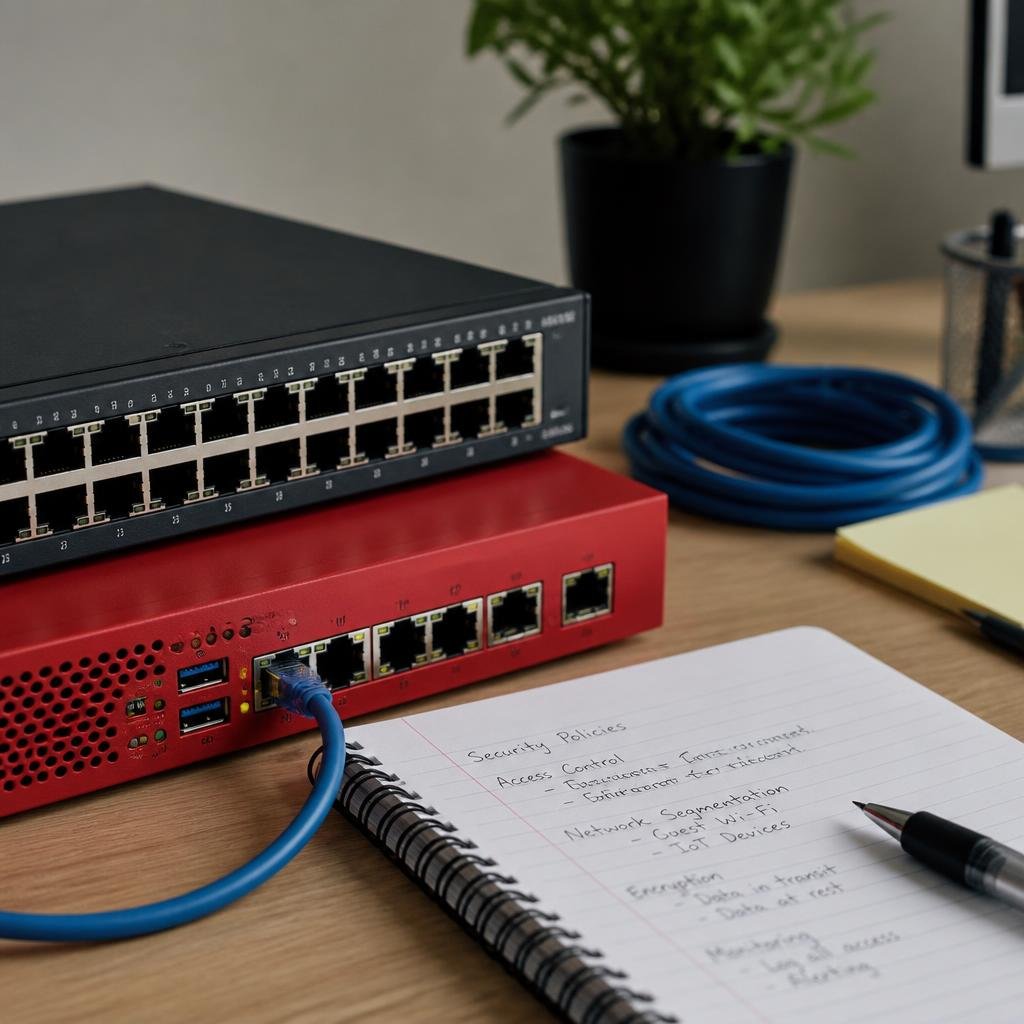
Coursera lists the course as “2 weeks at 10 hours a week,” but your actual pace will depend on your schedule and how deeply you engage with the material. The course contains around 9.5 hours of video, plus 14 assignments and additional readings. For most learners, a realistic plan is:
- Fast track: 2 weeks if you dedicate at least 10 hours per week (about 1.5 hours per day).
- Steady pace: 4–6 weeks if you study 3–5 hours per week (for those balancing work or family responsibilities).
The course is entirely self-paced, so you can adjust deadlines as needed within the Coursera platform.
What You Should Know Before Starting
This is an intermediate-level course. While you don’t need to be a cybersecurity professional, you’ll get the most out of it if you:
- Are comfortable with basic computer and networking concepts (such as IP addresses, firewalls, and operating systems).
- Have some experience with IT support, system administration, or related fields—or have completed an introductory IT course.
- Are able to follow technical explanations in English.
If you’re completely new to IT, consider starting with a basic networking or computer fundamentals course before jumping in.
Security Controls, Threats, and How They Work Together
Understanding cybersecurity starts with recognising how security controls, threats, and vulnerabilities interact in real-world systems. Security controls are measures put in place to protect assets—these can be physical (like locked server rooms), technical (such as firewalls or encryption), or administrative (policies and training). Threats are potential events or actors (like hackers, malware, or even careless staff) that could exploit vulnerabilities—weaknesses in your defences.
For example, imagine a systems administrator in Johannesburg managing a company’s email servers. To prevent unauthorised access, she implements multi-factor authentication (a technical control), trains staff to spot phishing emails (an administrative control), and ensures the server room is locked (a physical control). Each control addresses different threats: technical controls block cyberattacks, administrative controls reduce human error, and physical controls prevent theft or sabotage. Effective cybersecurity means layering these defences to reduce risk from multiple angles.
Two Study Plans: Intensive vs. Flexible Learners
Here’s how you might approach the course, depending on your available time:
| Profile | Weekly Commitment | Timeline | Suggested Breakdown |
|---|---|---|---|
| Intensive Learner | 10+ hours | 2 weeks | 1 module per day (videos + assignment) |
| Weekend/Flexible Learner | 3–5 hours | 4–6 weeks | 2–3 modules per week; focus on weekends |
- Intensive Learner: Dedicate 1–2 hours daily. You’ll move quickly through the 14 modules, completing assignments as you go. This suits someone preparing for the Security+ exam in a short period or with a break between jobs.
- Weekend/Flexible Learner: Spend a few hours on weekends or evenings. This approach is ideal for those with full-time work or family duties. You’ll have more time to absorb complex topics and revisit challenging modules.
What changes between these approaches? The intensive learner finishes faster but may need to revisit topics later for deeper understanding. The flexible learner has more time to reflect, practice, and reinforce knowledge, which can lead to stronger retention—especially important for exam preparation.
Key Access Details: Free, No Certificate, and Using Coursera

- Cost: All course materials—videos, readings, and assignments—are free to access. No credit card is required for the free option.
- Certificate: This course does not provide a certificate or badge, even if you complete every module.
- Enrolment: Simply select “Enroll for Free” on the course page. Avoid the “7-day free trial” for the paid Coursera Plus plan if you only want the free content.
- Mobile and Offline: The Coursera app (Android/iOS) lets you watch most videos and download them over Wi-Fi to save on mobile data.
- Deadlines: Due dates are suggested; you can reset them at any time if you fall behind.
- Mobile Data Use: Streaming all videos online uses about 2870–5740 MB. Downloading over Wi-Fi is recommended to avoid high data charges.
What Comes After Finishing the Course?
Completing this course gives you a strong overview of Security+ topics, but it is not official certification training. If you plan to take the CompTIA Security+ SY0-701 exam:
- Review the official CompTIA exam objectives to ensure you’ve covered all required topics.
- Practise with sample exam questions and hands-on labs (available from CompTIA or other providers).
- Consider additional resources or a formal exam prep course if you need deeper coverage or a certificate of completion.
Remember: The official Security+ certification requires sitting for a paid exam at an authorised testing centre. This Coursera course is not endorsed by CompTIA and does not grant certification.
Who Will Benefit Most—and What to Do Next
This course is best suited for IT professionals, students, or career changers looking to build a foundation in cybersecurity without spending money upfront. It’s especially valuable if you want to preview Security+ content before investing in paid study materials or the official exam.
If you need a certificate for your CV or employer, you’ll need to look elsewhere or combine this course with other resources. For those aiming for the Security+ credential, use this course as a springboard—then move on to official exam prep and hands-on practice.
FAQ
Can I get a certificate if I finish all the modules?
No, this course does not issue any certificate or badge, even if you complete every assignment.
Is there any cost or hidden fee for accessing the full course?
No, all features of this course are available for free. You do not need to provide a credit card for the free option.
Can I download the videos to study offline?
Yes, you can use the Coursera app to download most videos over Wi-Fi and watch them offline.
Is this course enough to pass the official Security+ exam?
It covers the main domains, but you should review the official CompTIA objectives and use additional practice materials before attempting the exam.
What if I fall behind on the suggested deadlines?
You can reset deadlines in Coursera at any time to fit your own pace.
OFFICIAL SOURCES
- Coursera, CompTIA Security+ 701 course page: https://www.coursera.org/learn/comptia-security-701
This website is an independent guide. We are not affiliated with, or endorsed by, Coursera, nor by any certification body mentioned in this article. Course content, prices, entry requirements and application dates are set by the provider and can change at any time. Always confirm the current details on the official course page before enrolling.